Garmin brand guidelines
Garmin Developer brand guidelines provide technical integration assets, specifications, and download links for API, Connect, Connect IQ, and Garmin Pay platforms.
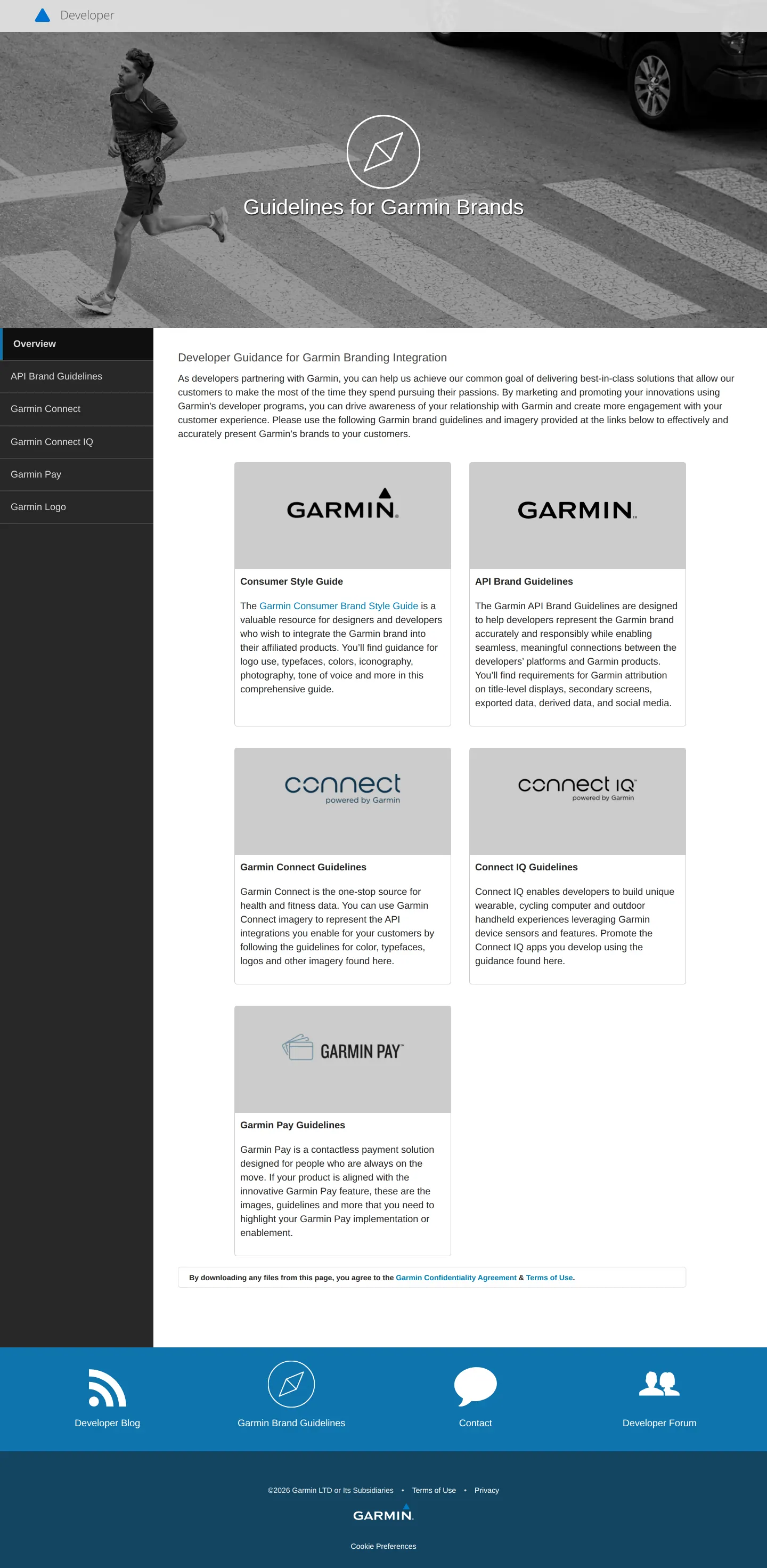
The overview landing page presents guide cards covering consumer style, API, Garmin Connect, Connect IQ, and Garmin Pay.
The logo section outlines usage rules and references the external Garmin Consumer Brand Style Guide.
The API Brand Guidelines page details platform representation rules and provides a direct PDF guide download.
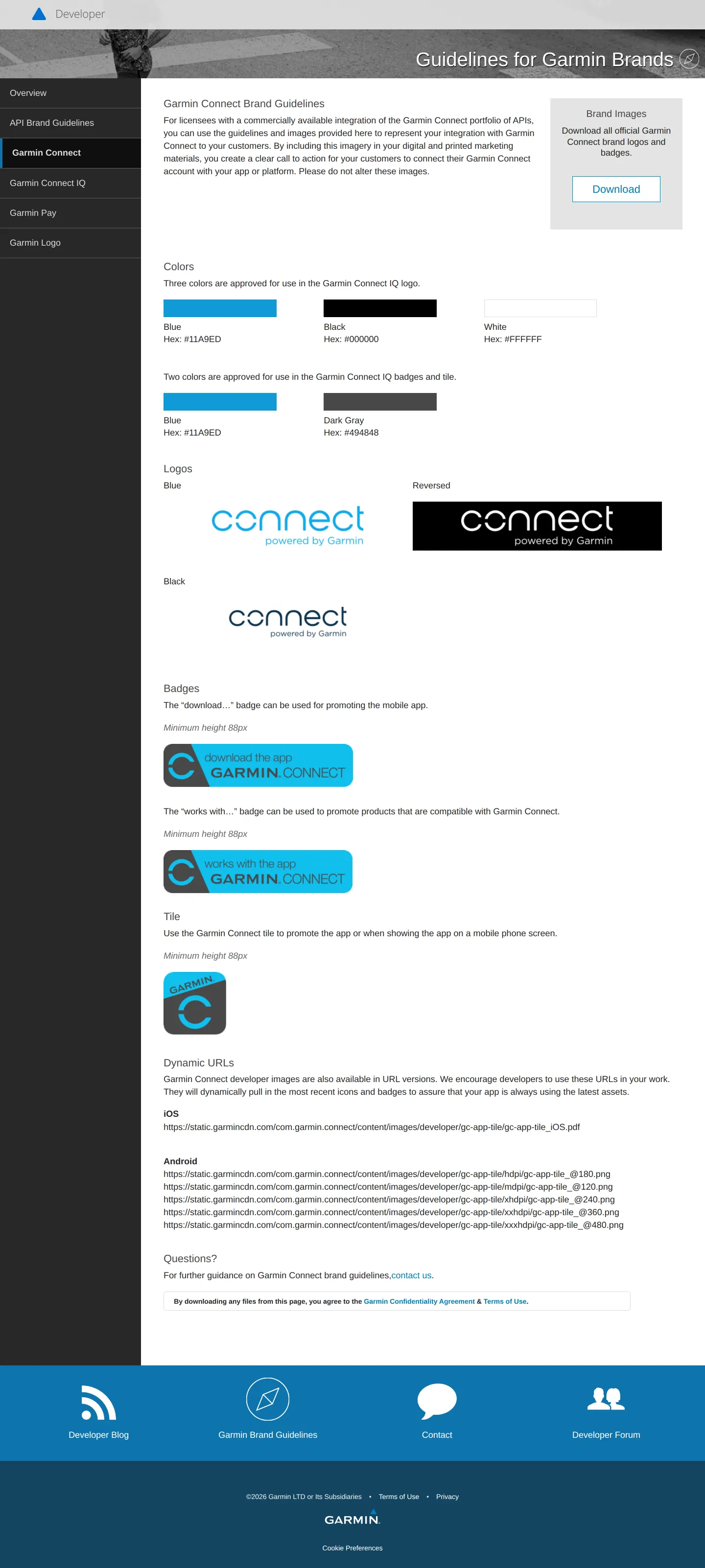
Garmin Connect documentation shows color palettes, mark lockups, badge rules, and dynamic image URLs.
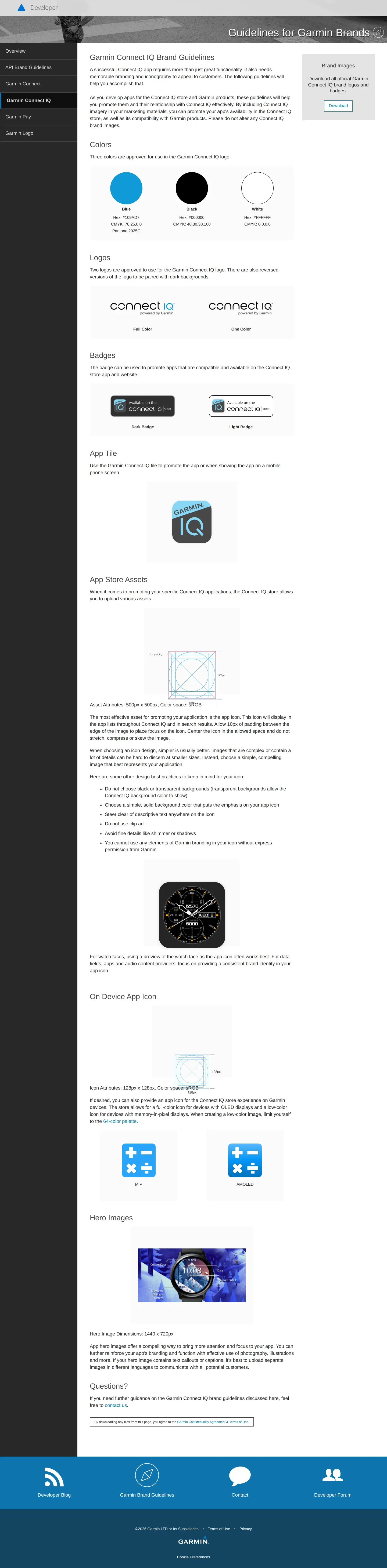
Connect IQ guidelines display color swatches, logo variants, badge specifications, and app icon rules.
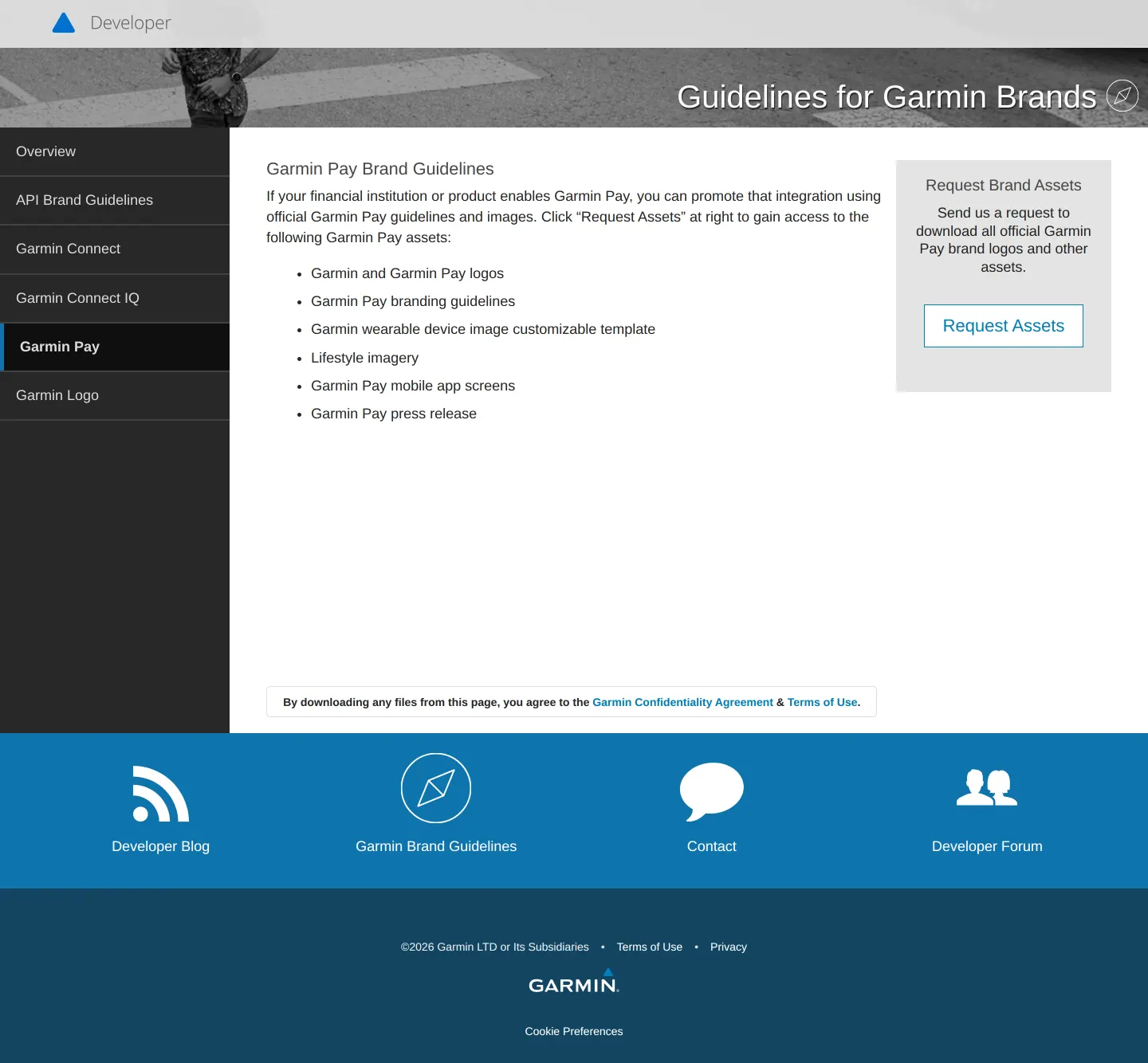
The Garmin Pay page lists available media assets and includes a call to request brand files.
Want a brand center like Garmin’s?
Create your brand center with Freedam ↗Freedam's take
I find Garmin takes a very pragmatic, developer-first stance with this portal. Instead of overwhelming partners with expansive lifestyle rules, it focuses on the practical touchpoints engineers and integration teams actually touch every day. I like how it organizes guidelines around specific sub-brands and technical programs like Garmin Connect, Connect IQ, and Garmin Pay. Detailed badge dimensions, color codes, and direct dynamic CDN image links make implementation painless for developers building interfaces. While broad consumer branding is referenced elsewhere, this documentation delivers exactly what technical teams need to represent the brand accurately on screens.
At a glance
- Sections
- Overview · API Brand Guidelines · Garmin Connect · Garmin Connect IQ · Garmin Pay · Garmin Logo
- Downloads
- PDF, ZIP
- Tone
- Technical and instructional guidance built specifically for third-party developers and integration partners.
What I noticed
- The overview portal features distinct guidance cards for Consumer Style Guide, API Brand Guidelines, Garmin Connect, Connect IQ, and Garmin Pay.1
- Garmin Connect guidelines provide dynamic CDN URLs for image assets alongside specifications for badges, tiles, and logos.234
- The Connect IQ guidelines set exact asset dimensions, including 1440 x 720px for hero images and pixel specifications for app icons.56
- The Garmin Pay section requires visitors to submit a request for brand assets via a dedicated button rather than offering an immediate file download.7
Numbers refer to the screenshots above.
What I could not see
- The full contents of the downloadable PDF guidelines and zip archives were not viewable in the captured screens.
- The linked Garmin Consumer Brand Style Guide was not captured in this portal view.
- The asset request form behind the Garmin Pay button was not visible.
Ideas to borrow
- Providing direct CDN dynamic links for badges and brand marks helps developer teams display accurate, resolution-specific graphics without hosting them locally.4
Quick answers
Where can developers download Garmin Connect branding assets?
A zip archive containing Garmin Connect brand logos and badges is available directly via the download link on the Garmin Connect guidelines page.89
How do developers access Garmin Pay assets?
Garmin Pay assets are not offered as an immediate download; visitors must use the 'Request Assets' button located on the Garmin Pay guidelines page.7
What format is the API Brand Guidelines document?
The API Brand Guidelines are offered as a downloadable PDF file titled Garmin-Developer-API-Brand-Guidelines.pdf.10
Reviewed on 25 September 2026. Request a correction · I built this
Similar brand centers
All brand guidelines →Garmin structures its portal around developer integrations like APIs, Connect IQ, and Garmin Pay with downloadable zip bundles and dynamic CDN links. In contrast, Samsung integrates its brand guide directly into its consumer site navigation to cover broad identity elements like sound and typography, while Sonos arranges its portal around product launch kits and seasonal campaigns for hardware.