Domino's press and asset kit
Domino's provides a direct press asset page offering its brand mark as downloadable zip archives organized by PNG, SVG, and EPS file formats.
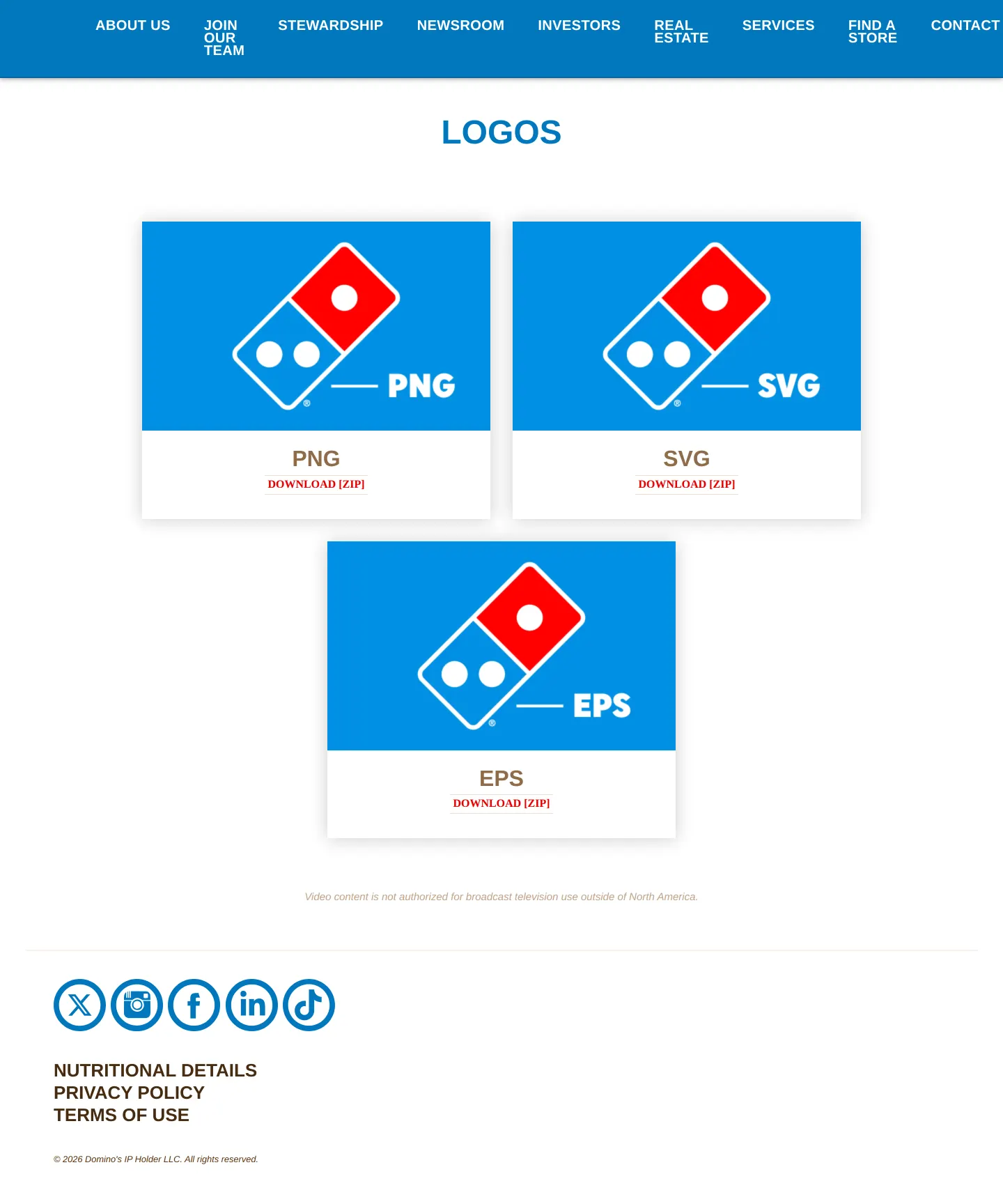
Domino's multimedia logo assets page featuring download cards for PNG, SVG, and EPS files.
Want a brand center like Domino's’?
Create your brand center with Freedam ↗Freedam's take
I spent a moment browsing Domino's multimedia page, and it is about as straightforward as an asset page can get. Rather than offering an overwhelming set of design guidelines or complex asset pickers, it cuts straight to utility. I see three simple cards dividing their domino tile logo into separate zip archives based on file type: PNG, SVG, and EPS. It provides a clean, zero-fuss download stop for press and partners who just need the official mark quickly without getting lost in lengthy usage documentation.
At a glance
- Sections
- LOGOS
- Downloads
- ZIP, PNG, SVG, EPS
- Tone
- A minimal, functional media asset page focused purely on delivering logo files.
What I noticed
- The multimedia logos page organizes asset downloads into three format categories labeled PNG, SVG, and EPS.123
- Each format card features the Domino's domino tile logo against a blue background alongside a direct zip download link.456789
- The page includes corporate navigation links for About Us, Join Our Team, Stewardship, Newsroom, Investors, Real Estate, Services, Find a Store, and Contact Us.10111213141516171819
Numbers refer to the screenshots above.
What I could not see
- No comprehensive brand usage rules, clearspace guidelines, color palettes, or typography instructions are shown on this page.
- No search bar or asset previewing tools beyond the card thumbnails are visible.
Ideas to borrow
Quick answers
Reviewed on 25 September 2026. Request a correction · I built this
Similar brand centers
All brand centers →