AMD brand guidelines
AMD Amplify hosts brand guidelines and logo downloads alongside an authentication portal for employees and partners.
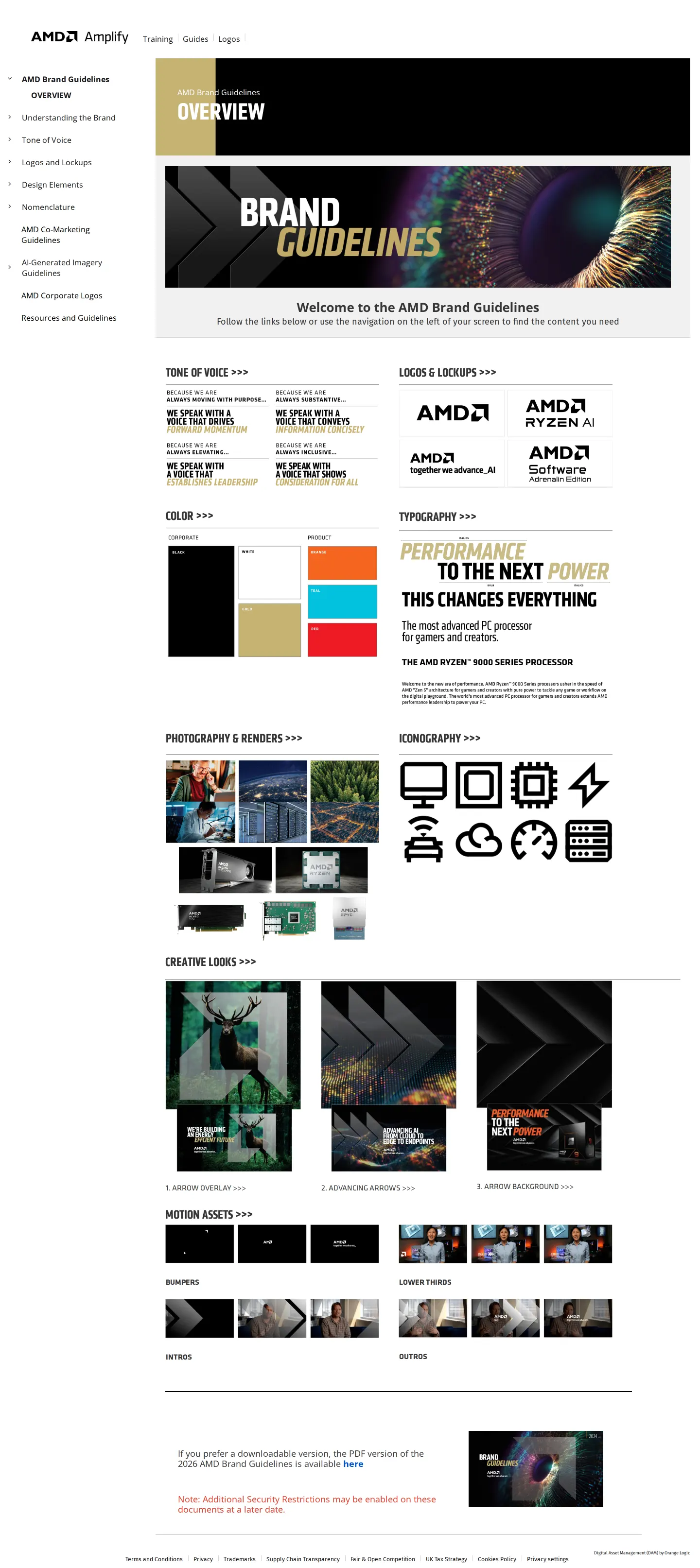
AMD Amplify brand guidelines overview page featuring top navigation, a left sidebar menu, and preview cards for brand sections.
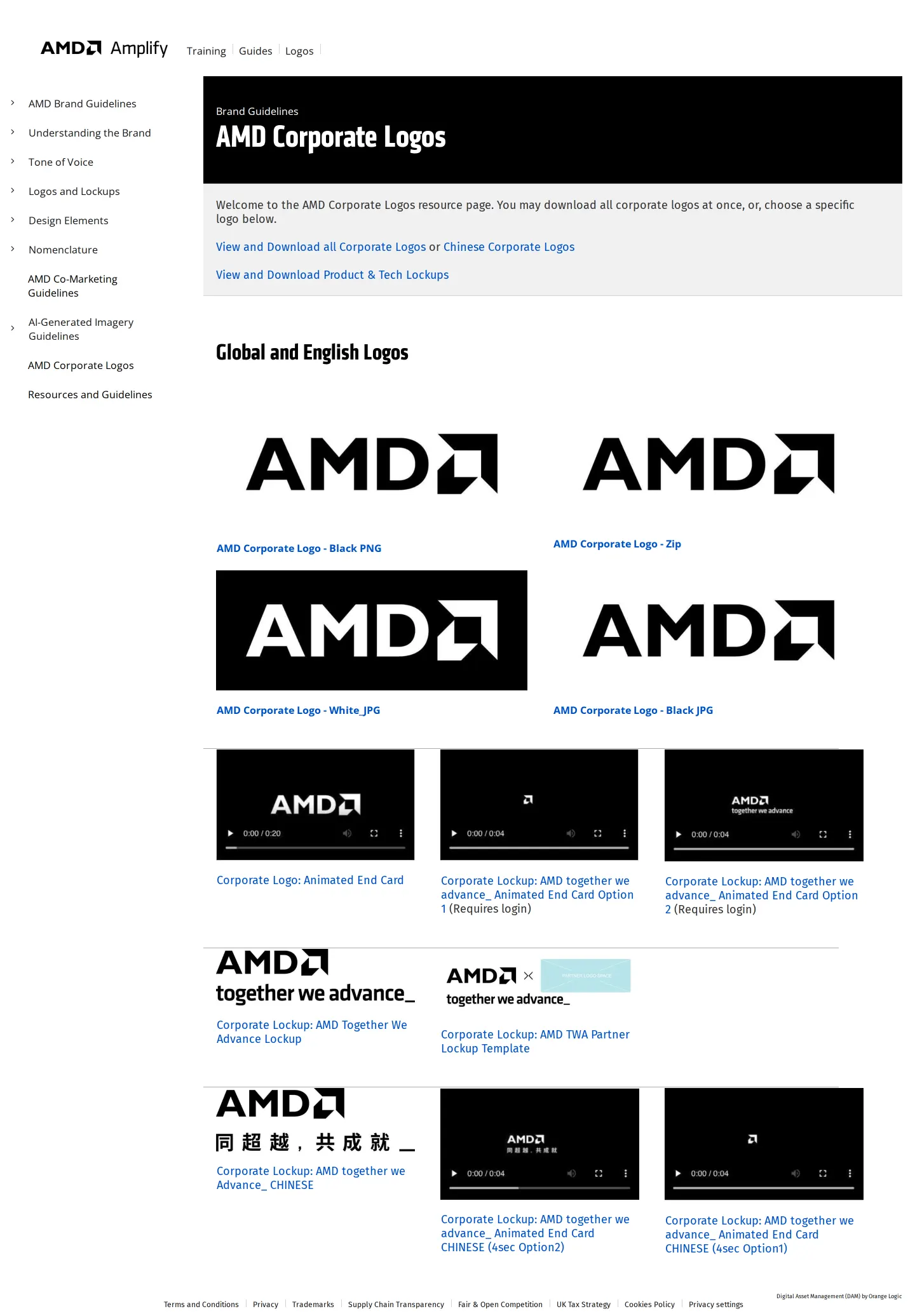
AMD Amplify brand guidelines page showing corporate logo download resources and assets.
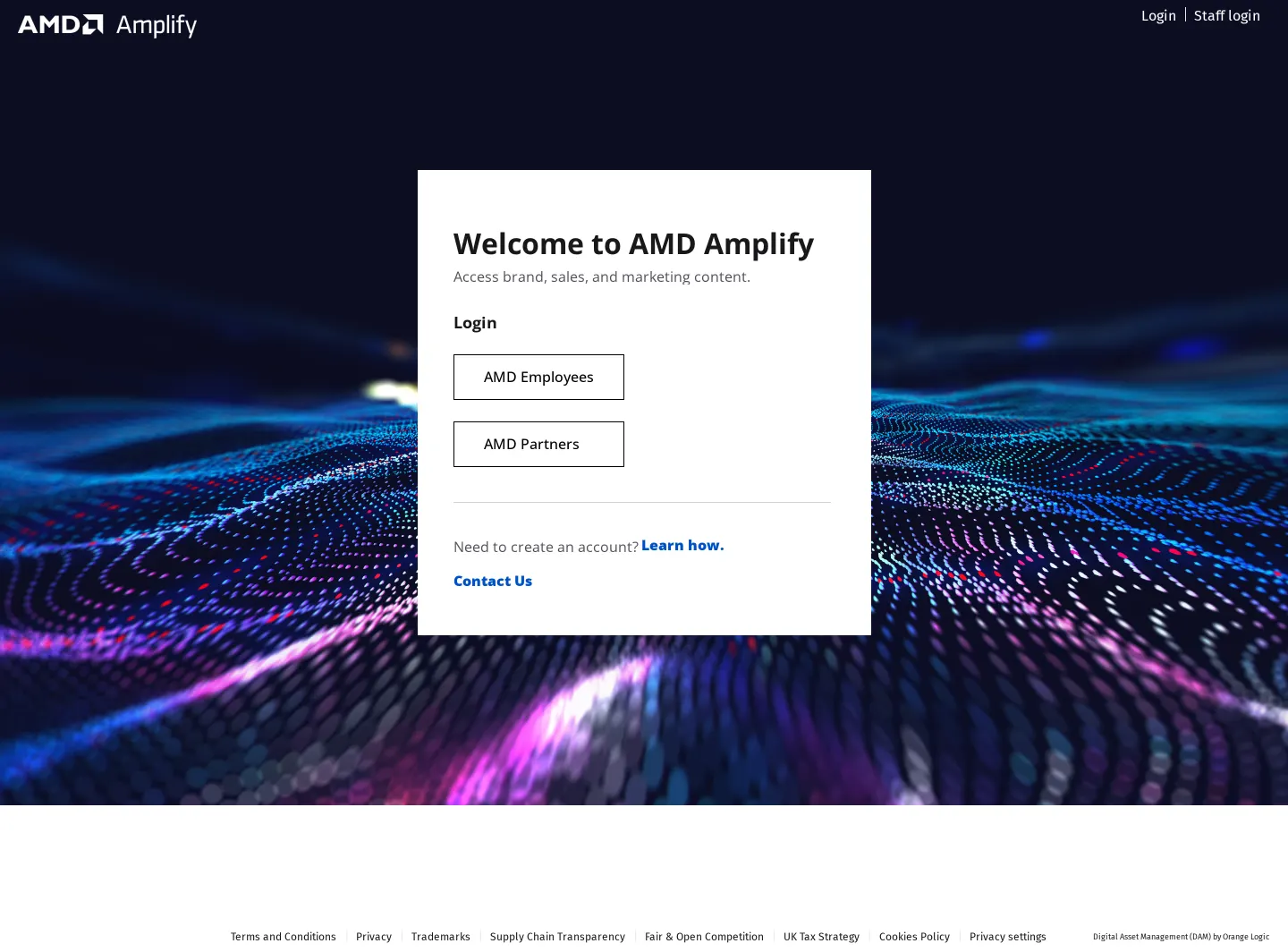
AMD Amplify login portal screen over a digital wave background.
Want a brand center like AMD’s?
Create your brand center with Freedam ↗Freedam's take
I spent time looking through AMD Amplify, which pairs practical brand guidelines with a dedicated partner portal. The guidelines layout keeps things straightforward, placing category navigation down the left sidebar while featuring overview cards for tone of voice and logos right in the main body. The asset pages clearly outline download options, offering corporate logo files in both PNG format and zip bundles, alongside dedicated links for regional variants like Chinese marks. The login portal routes internal team members and external partners through clear, distinct pathways against an abstract wave backdrop.
At a glance
- Sections
- Understanding the Brand · Tone of Voice · Logos and Lockups · Design Elements · Nomenclature · AI-Generated Imagery Guidelines
- Downloads
- PNG, ZIP, PDF
- Tone
- Structured and functional brand guidance tailored for staff and partner implementation.
What I noticed
- The AMD Amplify header displays top navigation links for Training, Guides, Logos, Login, and Staff login.123456
- The left sidebar navigation includes categories for Understanding the Brand, Tone of Voice, Logos and Lockups, Design Elements, Nomenclature, and AI-Generated Imagery Guidelines.7
- The corporate logos page offers downloadable assets including 'AMD Corporate Logo - Black PNG' and 'AMD Corporate Logo - Zip'.8
- The login page provides dedicated authentication buttons for 'AMD Employees' and 'AMD Partners' to access brand, sales, and marketing content.910
Numbers refer to the screenshots above.
What I could not see
- Could not view content behind the AMD Employees and AMD Partners login gates.
- Could not inspect the full text and guidelines under AI-Generated Imagery Guidelines, Nomenclature, or Design Elements.
Ideas to borrow
Quick answers
Can I download AMD corporate logos?
Yes, AMD provides links to download corporate logos as single black PNG files or bundled as zip archives, alongside links for Chinese corporate logos and tech lockups.118
Who can log into AMD Amplify?
The login page offers sign-in access specifically for AMD Employees and AMD Partners.10
Reviewed on 26 September 2026. Request a correction · I built this