ThredUp press and asset kit
ThredUp provides a public media assets hub offering downloadable logos, interface mockups, lifestyle photography, and corporate reports.
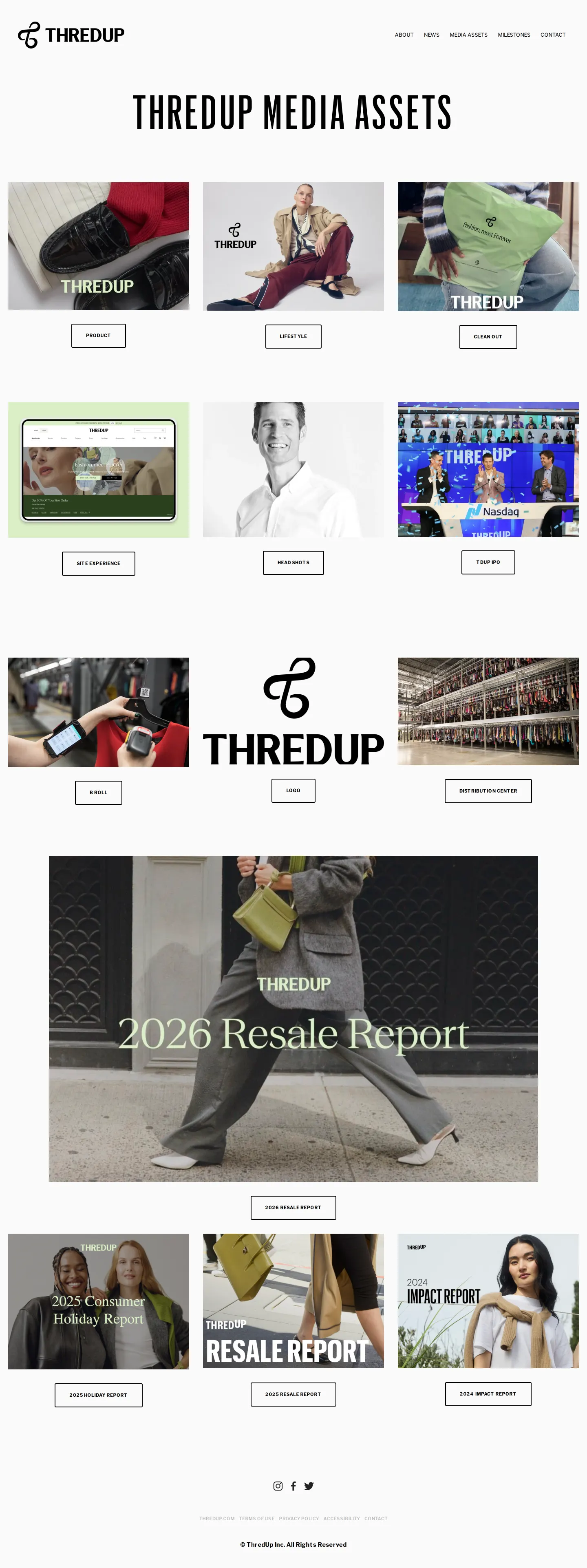
Overview of the ThredUp Media Assets hub showing category blocks and featured corporate reports.
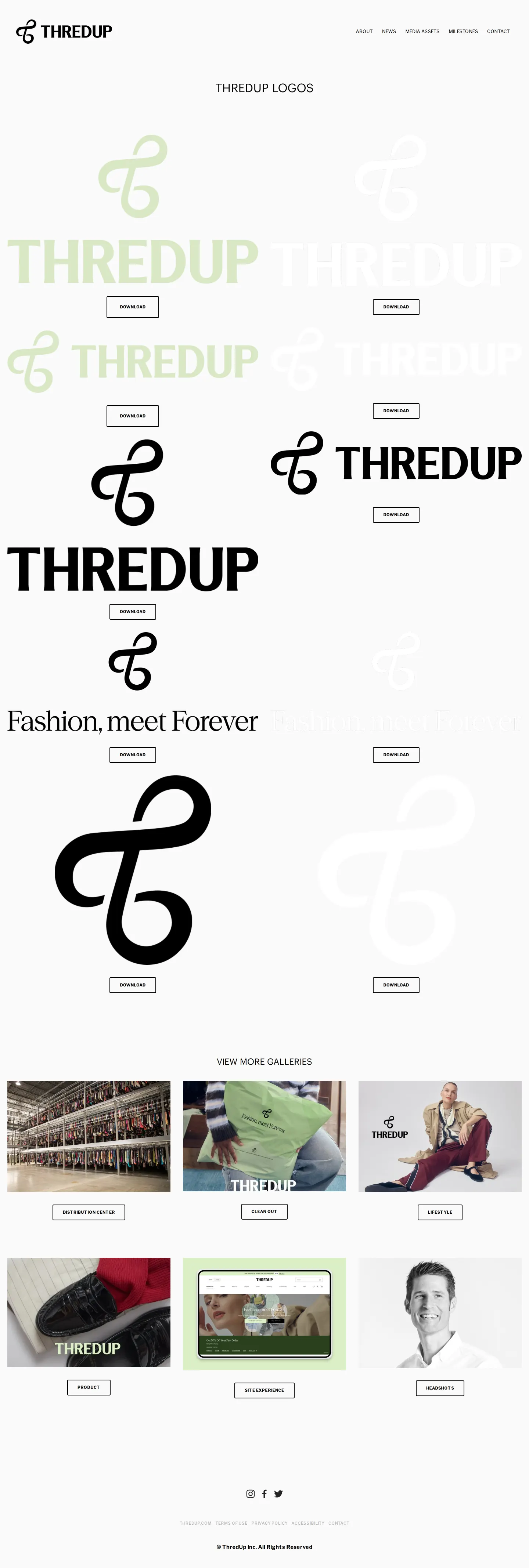
The logo gallery displaying stacked, horizontal, and monogram lockups in various colorways with download buttons.
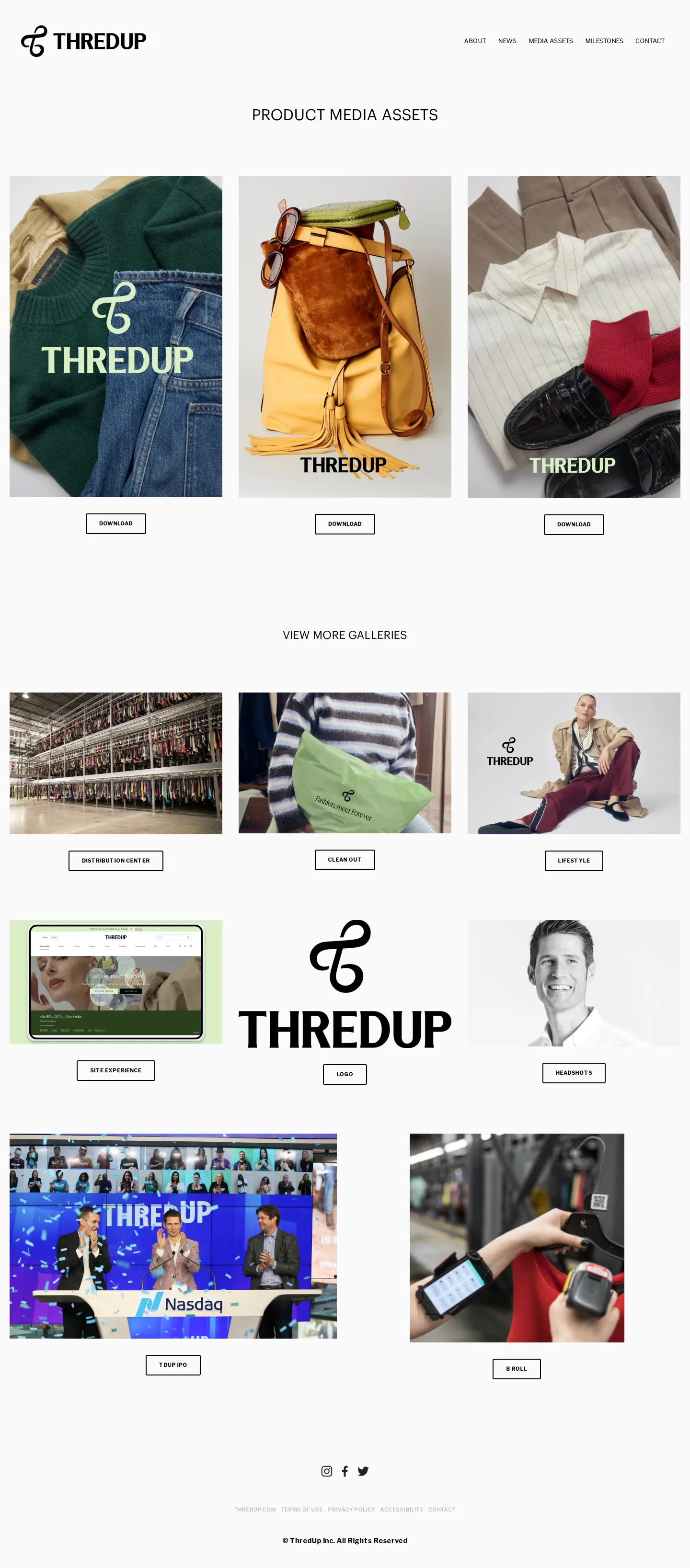
Product photography gallery showing downloadable clothing item images and navigation to other galleries.
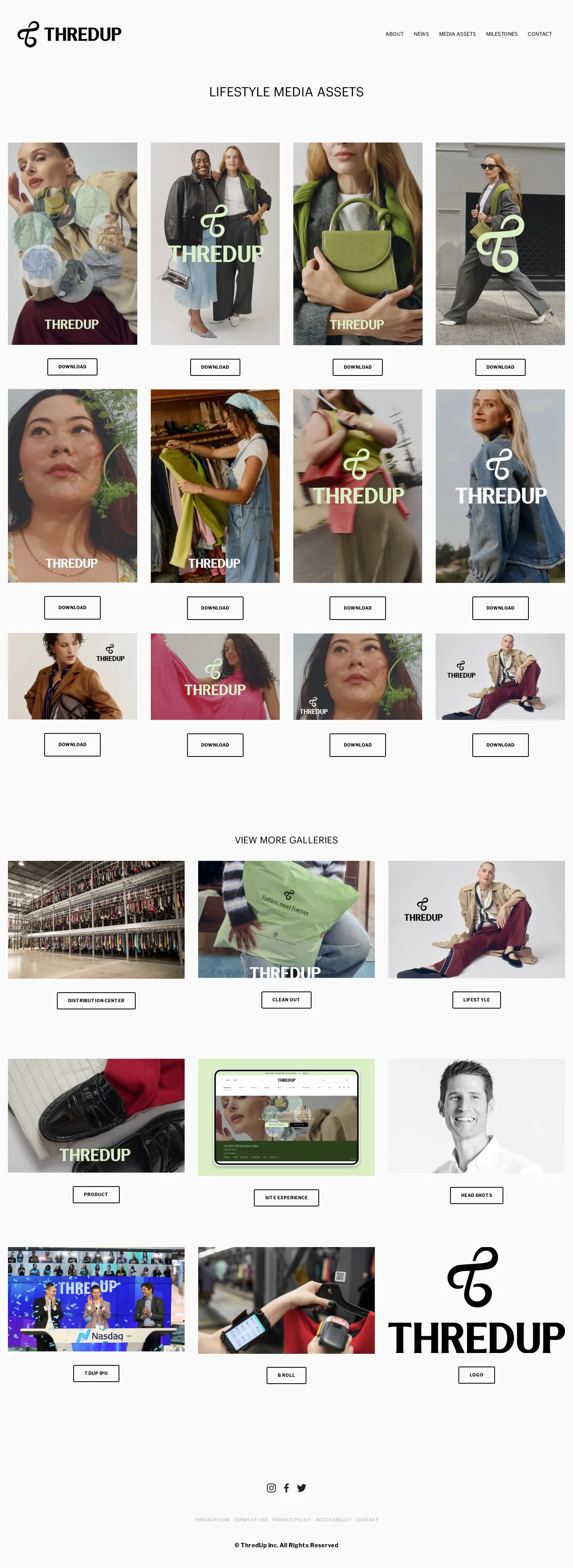
Lifestyle media assets page displaying photography grid with individual download buttons.
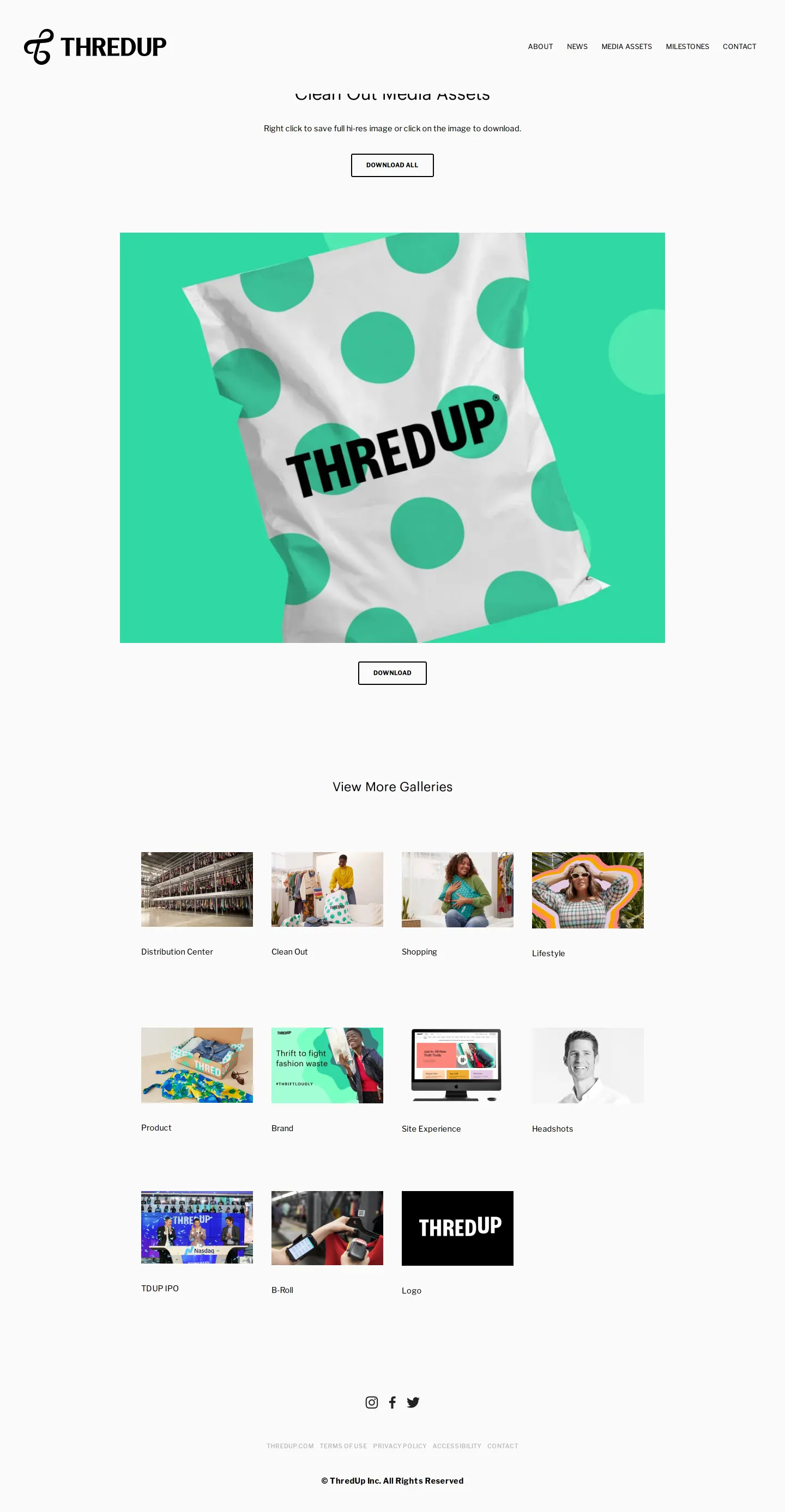
Clean Out media asset page featuring the branded Clean Out bag and a link to download all assets.
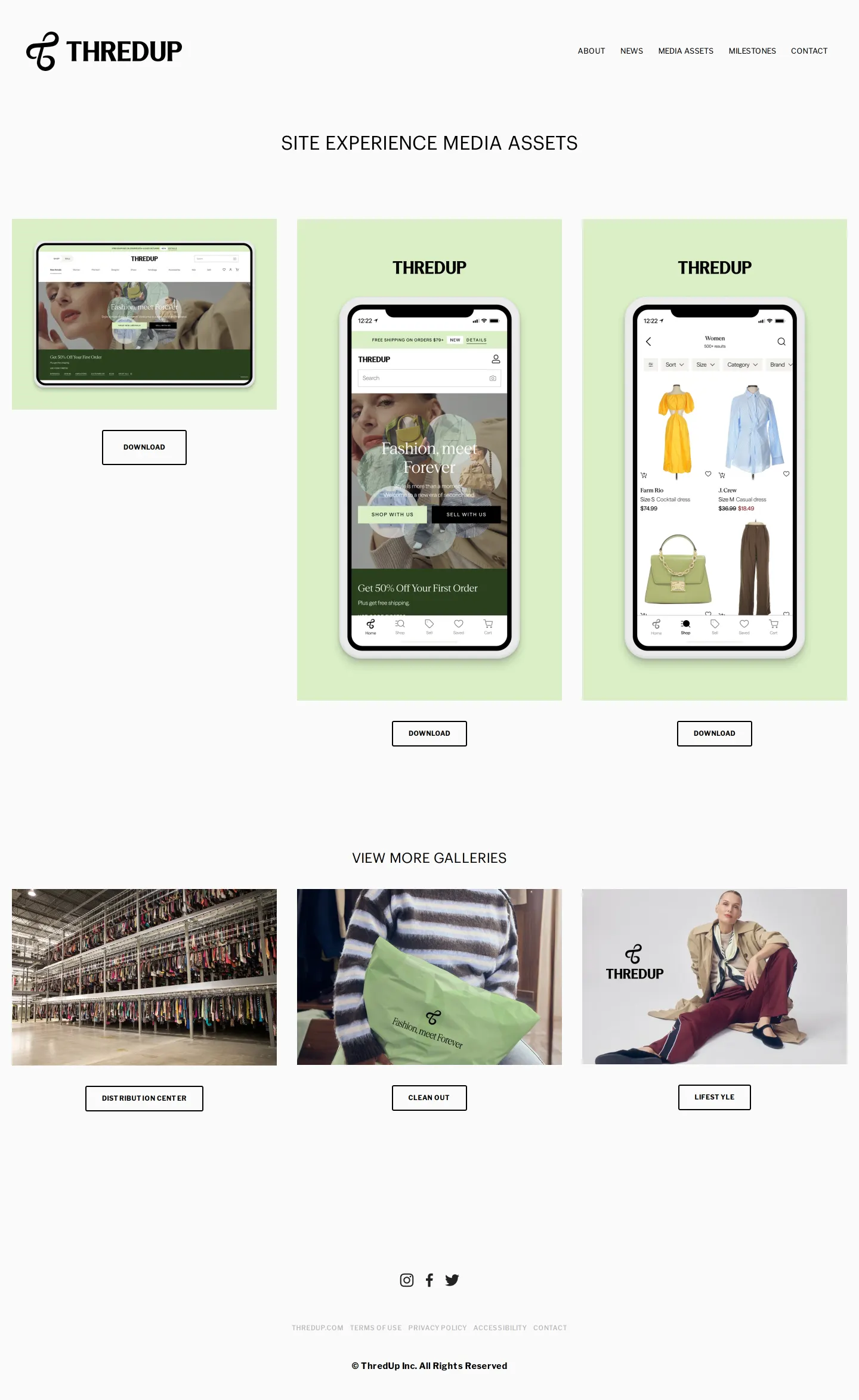
Site Experience asset gallery presenting UI mockups on desktop and mobile screens.
Want a brand center like ThredUp’s?
Create your brand center with Freedam ↗Freedam's take
I like how direct ThredUp is with their press library. Instead of burying imagery behind complex media gates or long approval forms, they lay out their photography, app screens, and marks in clear visual galleries. The logo section is particularly practical, letting you grab vertical lockups, horizontal wordmarks, and standalone monograms in green, black, or white. Providing direct PNG downloads under each asset preview keeps things straightforward for reporters and partners who just need the right badge fast.
At a glance
- Sections
- ABOUT · NEWS · MEDIA ASSETS · MILESTONES · CONTACT
- Downloads
- PNG, JPG, PDF
- Tone
- Functional and direct corporate press hub focused on fast access to visual assets.
What I noticed
- The logos section features vertical brandmarks, horizontal lockups, monograms, and versions with the slogan 'Fashion, meet Forever' in green, black, and white colorways.12345
- Individual gallery sections include Product, Lifestyle, Clean Out, Site Experience, Headshots, TDUP IPO, and Distribution Center.678
- The hub hosts direct downloads for corporate documents including the 2025 Holiday Report.910
- Digital product mockups for mobile and desktop screens are provided with dedicated download links under Site Experience.11121314
Numbers refer to the screenshots above.
What I could not see
- No vector logo formats such as SVG or EPS were observed on the logo download page.
- No written usage rules, clearspace guidance, or color code specifications were shown alongside the logos.
- No search tool was visible across the media library pages.
Ideas to borrow
Quick answers
Reviewed on 25 September 2026. Request a correction · I built this
Similar brand centers
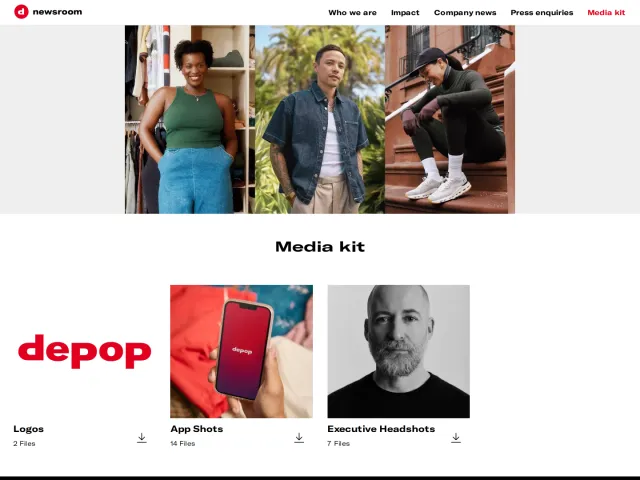
All brand centers →ThredUp organizes its assets into dedicated visual sub-pages for categories like Logos, Product, and Site Experience with individual image downloads, while Depop bundles assets into categorized ZIP packages that specify exact item counts.